macOS
Systemeinstellungen (1)
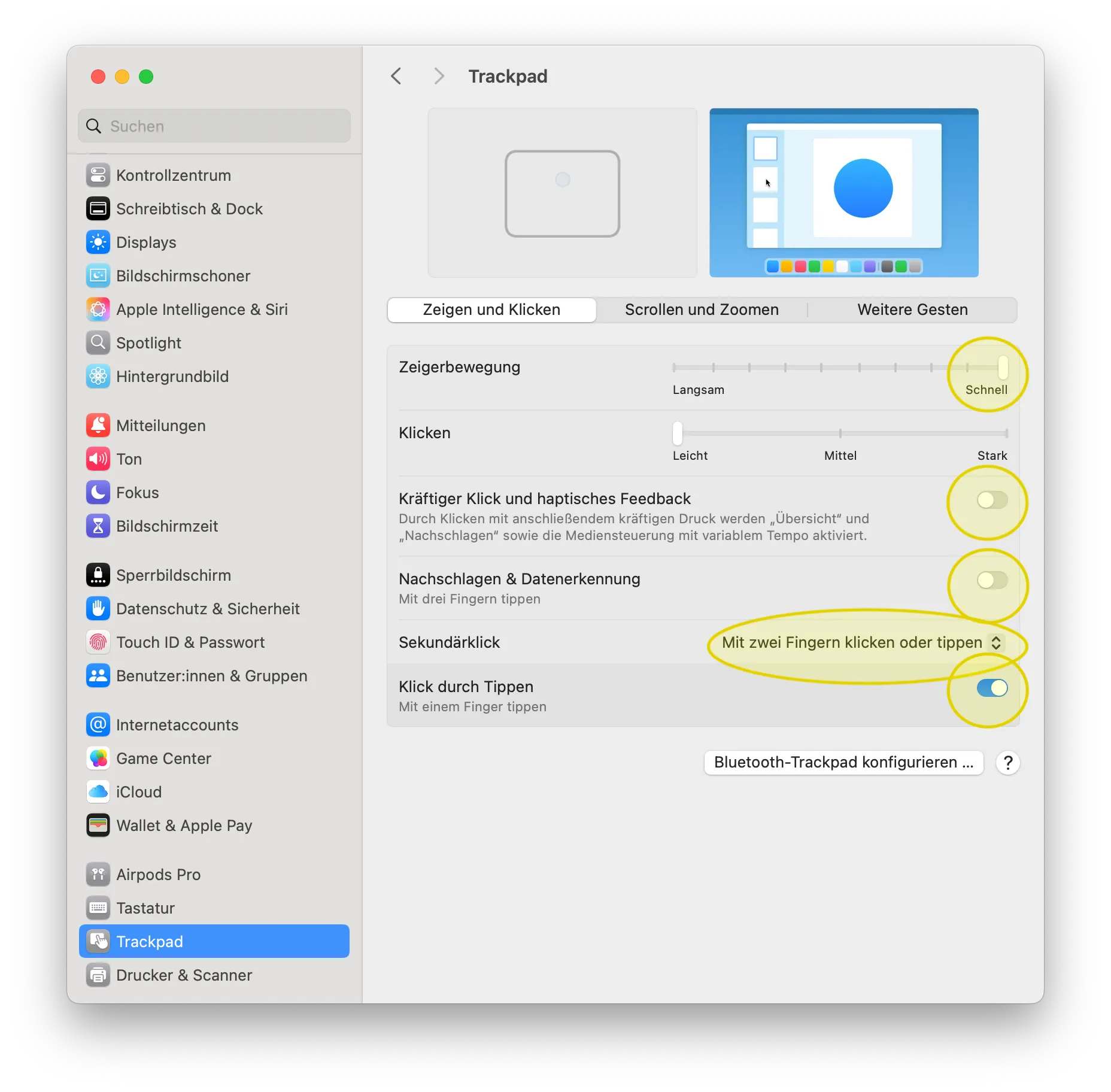
Section titled “Systemeinstellungen (1)”Trackpad
Section titled “Trackpad”- Zeigerbewegung > schnell
- Klicken > leicht
- Kräftiger Klick > off
- Klick durch tippen > on
Here is my image:

Batterie
Section titled “Batterie”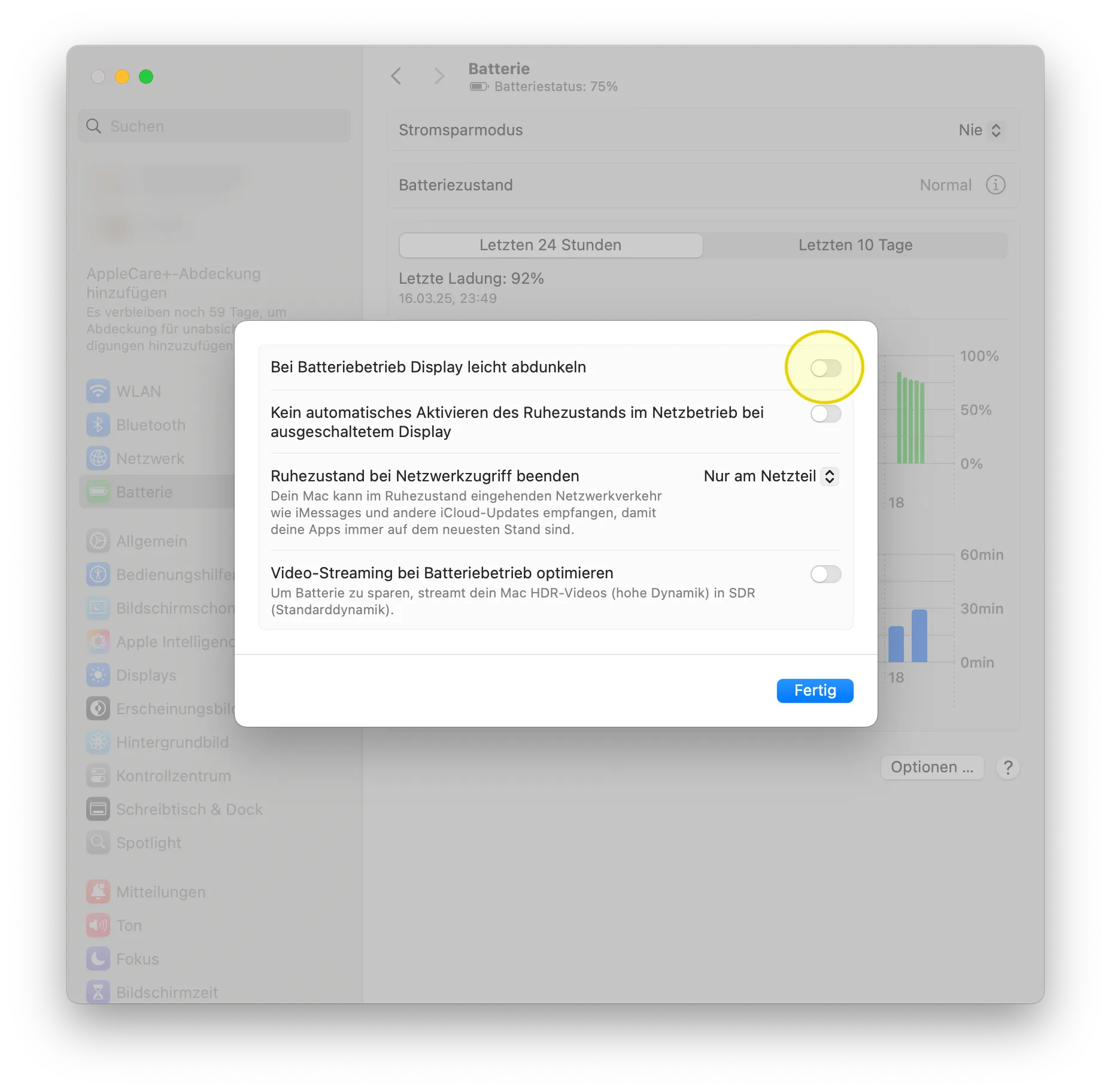
Allgemein
Section titled “Allgemein”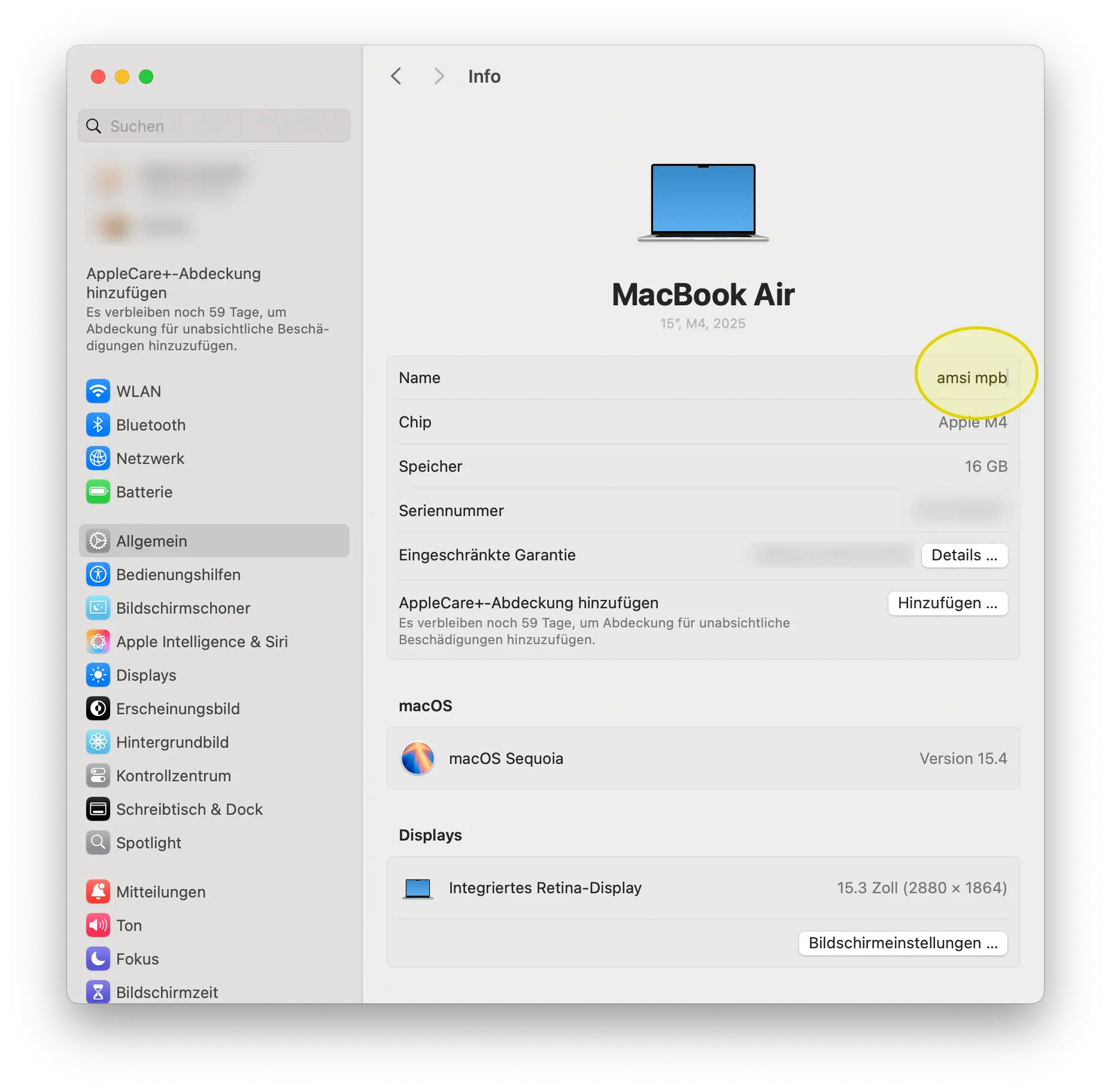
Displays
Section titled “Displays”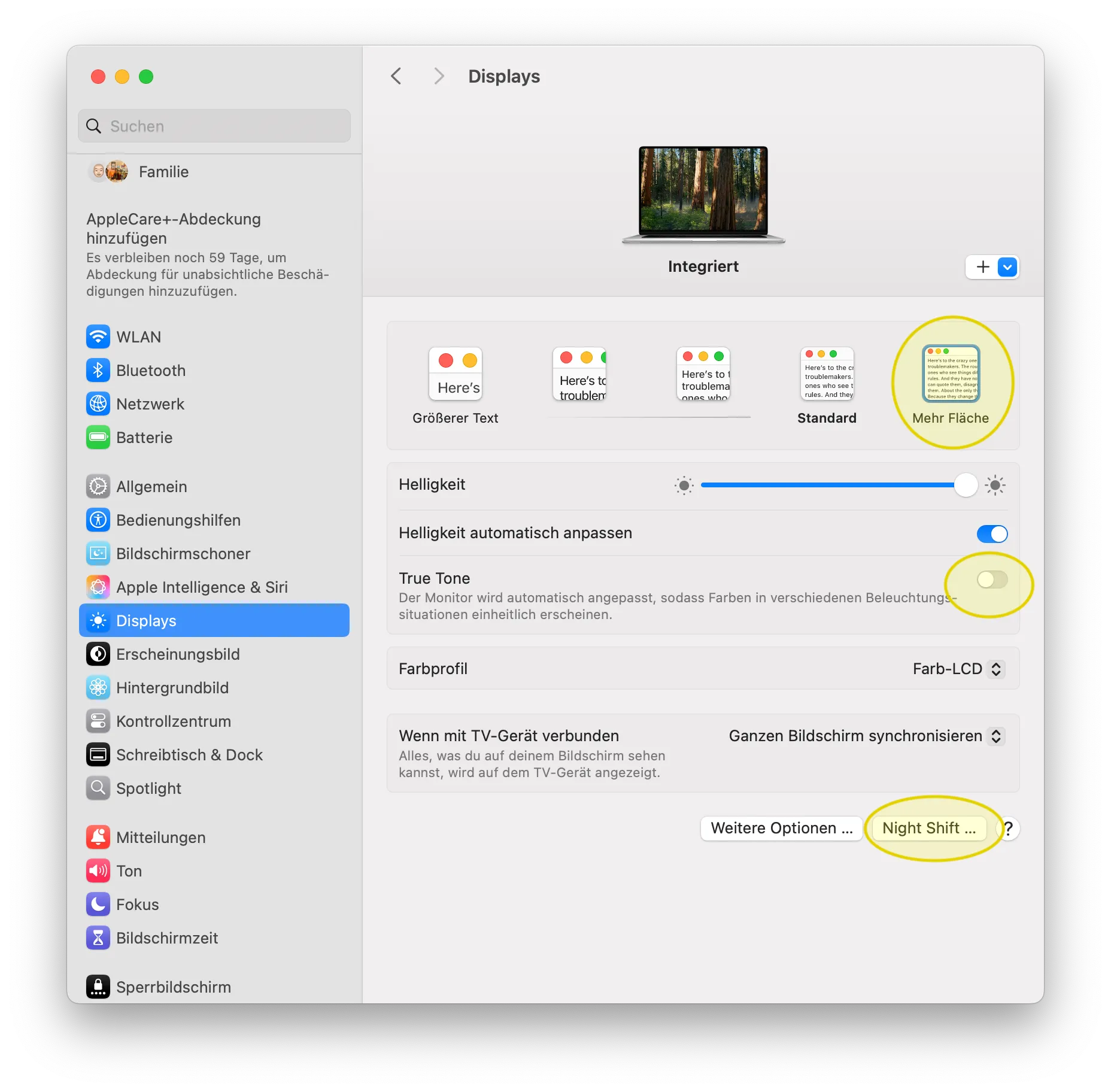

Kontrollzentrum
Section titled “Kontrollzentrum”

Schreibtisch & Dock
Section titled “Schreibtisch & Dock”


Spotlight
Section titled “Spotlight”
Sperrbildschirm
Section titled “Sperrbildschirm”
Tastatur 1
Section titled “Tastatur 1”

Drucker & Scanner
Section titled “Drucker & Scanner”maybe don’t do AirPrint, color etc.
- KSZ Xerox
- Epson ET-8550
- Epson SC-P900
- Canon TM-350 (usb)
Systemeinstellungen (2)
Section titled “Systemeinstellungen (2)”Internet-Accounts
Section titled “Internet-Accounts”
iCloud
Section titled “iCloud”?

iCloud Drive
Section titled “iCloud Drive”
Zusatz Terminal
Section titled “Zusatz Terminal”Terminal (defaults read, write, delete)
-
dock delay / animation
Terminal window defaults write com.apple.dock autohide-delay -float 0; killall Dockdefaults write com.apple.dock autohide-time-modifier -float 0.15; killall Dock#UNDOdefaults delete com.apple.dock autohide-delay; killall Dockdefaults delete com.apple.dock autohide-time-modifier; killall Dock -
trackpad speed (default 3.0 / restart needed)Not possible Sonoma (terminal or LinearMouse)
-
screen capture
-
Terminal window defaults write com.apple.screencapture type jpg; killall SystemUIServer
-
Finder
Section titled “Finder”

Safari
Section titled “Safari”

OneDrive (Word, Powerpoint, Excel, OneNote)
Rightfont (iCloud Drive > Rightfont offline)